Multitask Like a Boss & Perfect the Latest Trend - Create Open Book Designs in Volume 7
Published: Tue, 03/08/22
March 8, 2022 | Digital Scrapper News | Volume 20 Issue 10
Hi ,
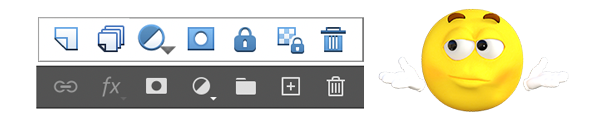
Do you ever go hunting for an icon in the Layers panel, just to sit there and stare and try to remember which is which?
I cannot tell you how many times I've clicked on the wrong icon when looking for the one that creates a new layer. It's mostly just because my mind is on being creative and I don't stop to think about it.
Shortcut Your Way to a New Layer
There are actually many ways to get a new layer in the Layers panel. But the one that doesn't involve hunting and clicking is to simply press Shift Ctrl/Cmd N.
It's pretty easy to remember. Think of N for new.
Ctrl/Cmd N will create a new document.
Shift Ctrl/Cmd N will create a new layer on your document.
It Multitasks Like a Boss!
Most shortcuts take the place of one task. But the New Layer shortcut is a multitasker! Not only will it create a new layer, but it prompts you to rename the layer. Naming layers helps you stay organized.
Don't want the extra step of naming the layer? Then remember to press ALL the keys with the N. Gotta have flexible fingers!!
Shift Alt Ctrl N (Mac: Shift Opt Cmd N) creates a new layer and skips the naming process. Even faster.
Digital Scrapper Premier 2021, Volume 7
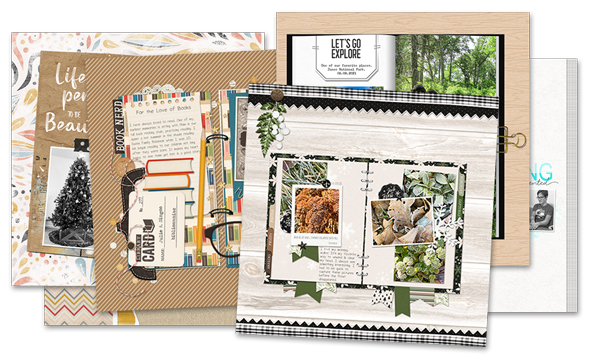
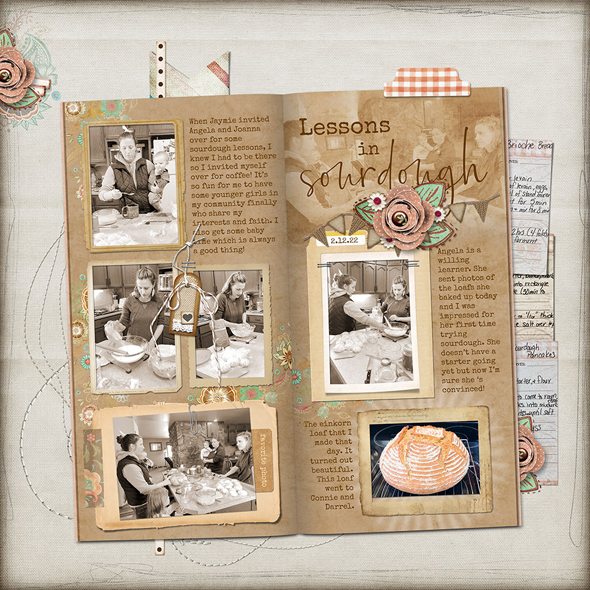
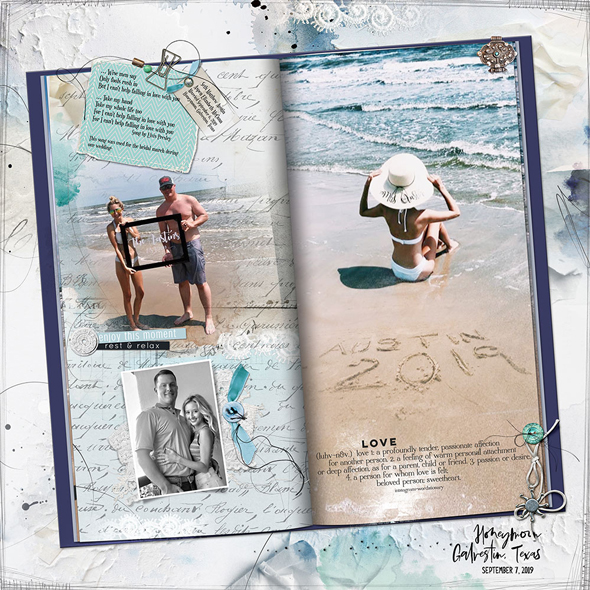
In Volume 7 of Premier 2021, Julie will help you remember the shortcut for creating a new layer. Here's just a sample of what you'll see in Volume 7.
Friday Favorites. Have you checked in to see what others are loving from around the web? There are quite a few freebies listed in our Friday Favorites posts.
Congratulations! The winners of the free classes in our Enter To Win event in Say Hello were Margot Wintemute and Sherry Kaufman.