May 31, 2022 | Digital Scrapper News | Volume 20 Issue 22
Hi ,
When is the last time you purchased a new scrapbooking kit or even opened one up to take it for a test drive?
I'd love to see you get the most out of your purchase of supplies, so here's a creativity-boosting idea straight from the desk of Jen White (yes, that's me!).
Take My Cluster Challenge. Here's How It Works:
Step One: Open a New-To-You Kit
Here are a few kits I purchased earlier this year. I'll open Connie Prince's Time Together kit.
Step Two: Create a Simple Cluster
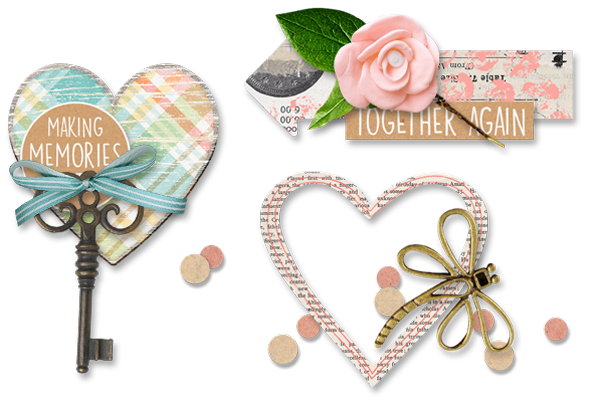
Browse the kit you chose for one element that you absolutely LOVE. Then, using 2-4 additional elements, create a simple cluster. Here are three examples from Connie's kit:
Many people I talk to get stuck on creating clusters that are clean and simple. That's why I created the Cluster Library. This is a space where you can "leave and take" ideas for clustering. The one rule of the Cluster Library is to keep it simple. You can do that, right?
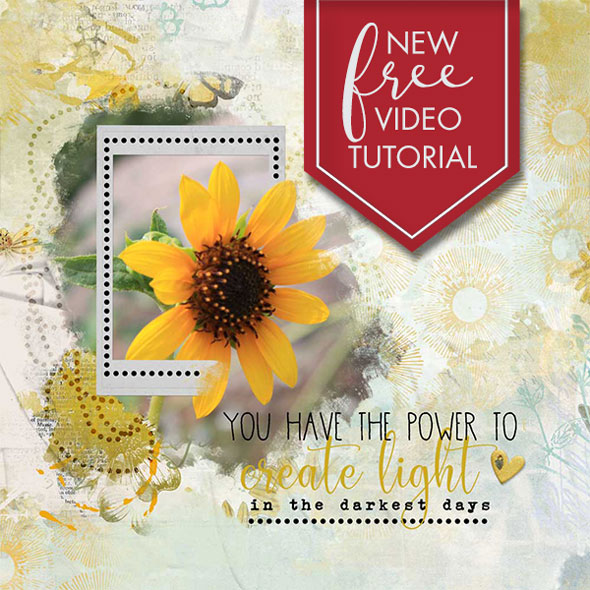
After creating your cluster, you're likely going to want to continue and place the cluster on a scrapbook page or greeting card. Below you'll find a FREE tutorial showing some innovative brush tips. Give that a try!