1 Simple Solution for Finding the Perfect Paper Shade Using Blend Modes
Published: Tue, 05/10/22
May 10, 2022 | Digital Scrapper News | Volume 20 Issue 19
Hi ,
Today's tip has been lovingly sponsored by the Three Little Bears. It's neither too hot nor too cold. It's just right.
The Problem
Do you ever add a paper to your scrapbook page and then realize that it's just a tad too light or a tad too dark?
1 Simple Solution
Here's one simple solution for making the paper's shade just right.
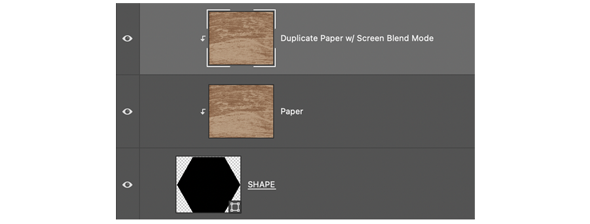
Step One: Duplicate the paper layer (Layer > Duplicate Layer).
Step Two: Change the Blend Mode of the duplicate layer.
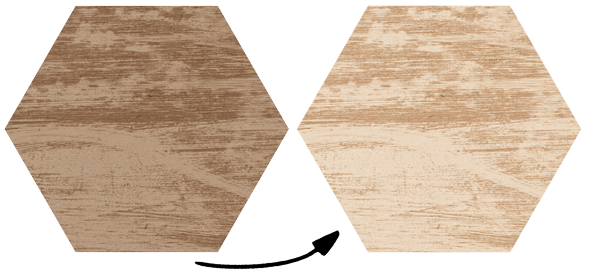
For a lighter shade, set the Blend Mode to Screen. (Shown above.)
For a darker shade, set the Blend Mode to Multiply.
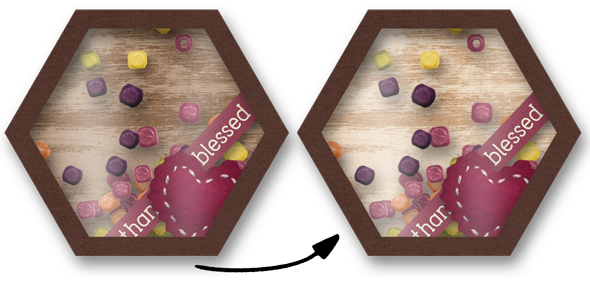
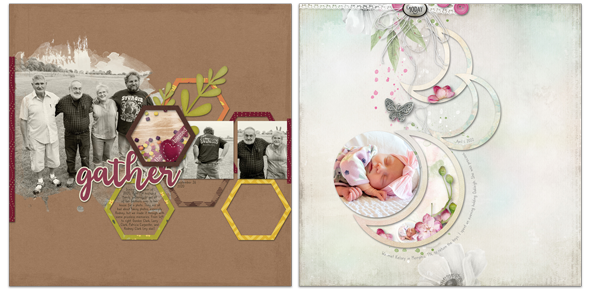
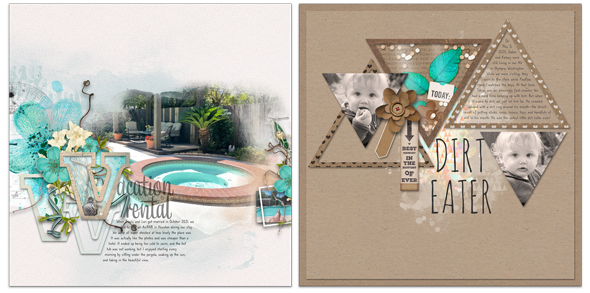
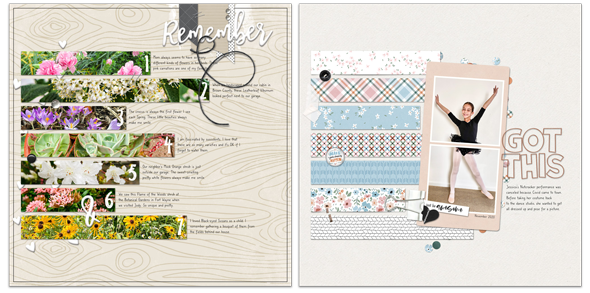
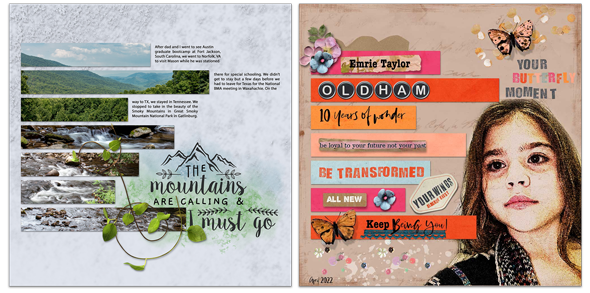
Here's a practical example. The background paper I used for my trinket keeper was too dark. It was making my trinkets hard to see. But after lightening the paper with the Screen Blend Mode, it was just right!
This month in Premier 2021, we're making trinket keepers!! Come and have fun with us. You'll find the details below.