November 22, 2022 | Digital Scrapper News | Volume 20 Issue 47
Hi ,
Maybe you are like me . . .
Sometimes I like my scrapbook pages to have no background at all. Just a plain white. It's very refreshing!
And sometimes, I like just one background paper, one that is simple and not too bossy or mind-blowing.
And then the mood strikes me and I spend time putting background papers together in a pleasing way. It
fancies up a scrapbook page that might otherwise look like it's lacking something.
The Background Design Problem Here's the
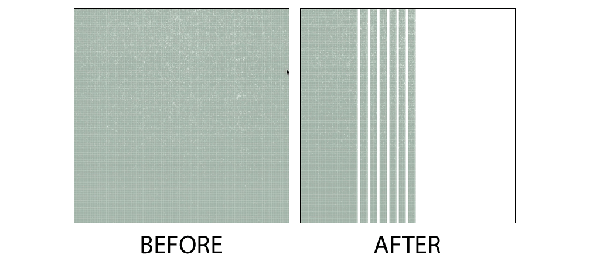
problem with that last example---there are only a handful of classic ways (as opposed to weird ways) to arrange background papers. So a little help and inspiration are always appreciated.
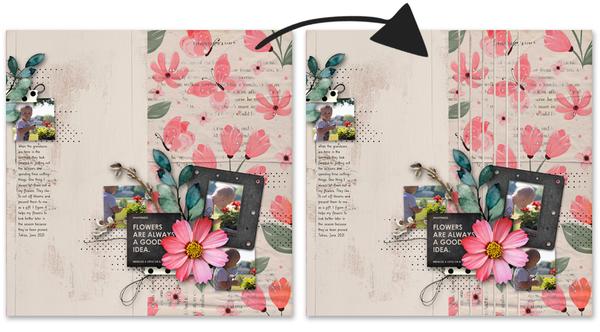
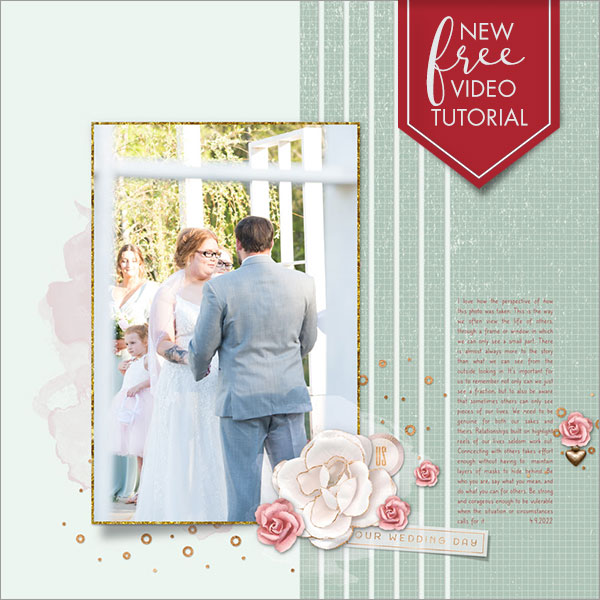
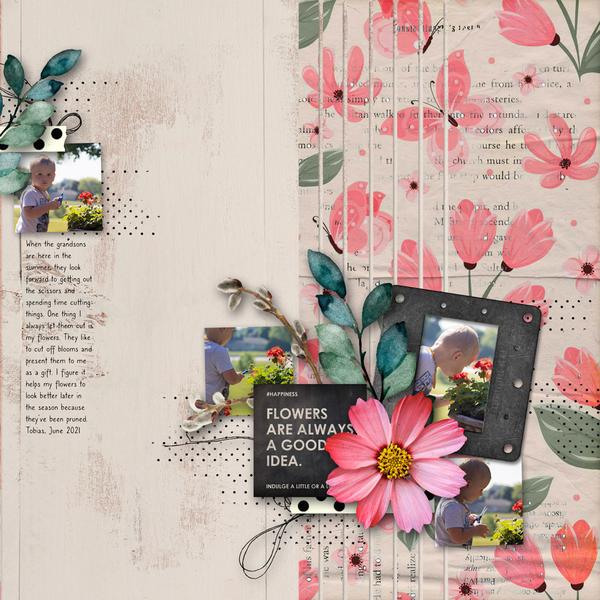
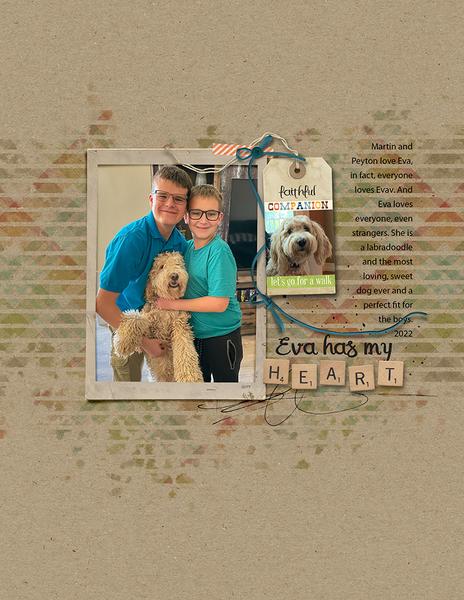
This week on the blog, Gina Harper is lending a little help for creating a non-weird background paper arrangement. Here are my scrapbook pages applying her
idea, both before (left) and after (right). I LOVE the change!
You'll find the details on how to recreate this design below. Enjoy!
P.S. The header above was created using Wish Upon a Star by Aprilisa.
Too many emails? You may need to get in sync!
Feeling like you're getting too many emails from me? It could be because your classroom email and newsletter email do not match.
Here's how to get in sync:
Click on Change Subscriber Options at the bottom of this email.
At the top of the webpage, click on Edit Contact Information.
Make sure your Email (for the newsletter) is the same as the one you use to log in to our classroom (QwikLearn | Digital Scrapper
Classes).
How will this help?
We typically send out 10 emails to sell a class. If your email has been synced, once you enroll, you will not receive any further marketing emails for that particular class. Don't worry, you'll still receive our weekly newsletter and special announcements.
Not sure? Need help? Simply reply to this email and request assistance.
Last Day to Save 40% on Fabulously Framed
Today is the last day to save 40% on Fabulously Framed and get the Early-Bird Bonus.
Transform a background paper using a fancy striped selection and a layer mask. This technique is the perfect way to add transitioning to your scrapbook page.