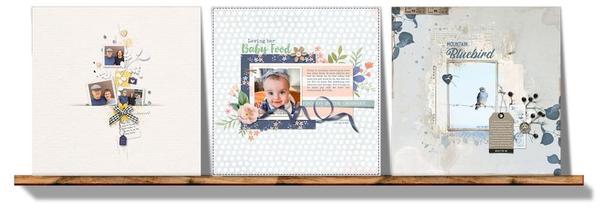
🧡 Build Your Story Using Bridges and Volume 8 of Digital Scrapper Premier 2023
Published: Tue, 04/04/23
April 4, 2023 | Digital Scrapper News | Volume 21 Issue 14
Hi ,
One of my favorite things about digital scrapbooking is being able to add lots of little details to my page. Others may not notice them, but I know they are there, and they make my heart sing!
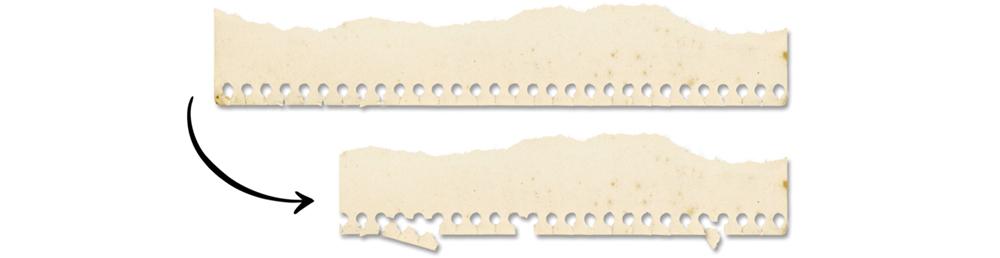
In Volume 8, we'll be tearing paper apart,
turning old and forgotten elements into super-fun flair,
extending stitches and labels,
fastening down buttons,
adding a slit to paper,
and custom shadowing curly ribbons and tags for an unbelievably realistic look. And so much more!
I had a blast with Volume 8, and I know you will too. I'll see you there!
Backup Reminder. Would it help to have a monthly reminder to back up your photos? If you follow our
Community Forum, we'll remind you at the beginning of every month.
Thanks Go Out to You! If you were one of the top 10 contributors to Community during the month of March, we've recognized you and are giving you a standing ovation! See who made the
list.
Here's a quick look at what you'll find in Volume 8:
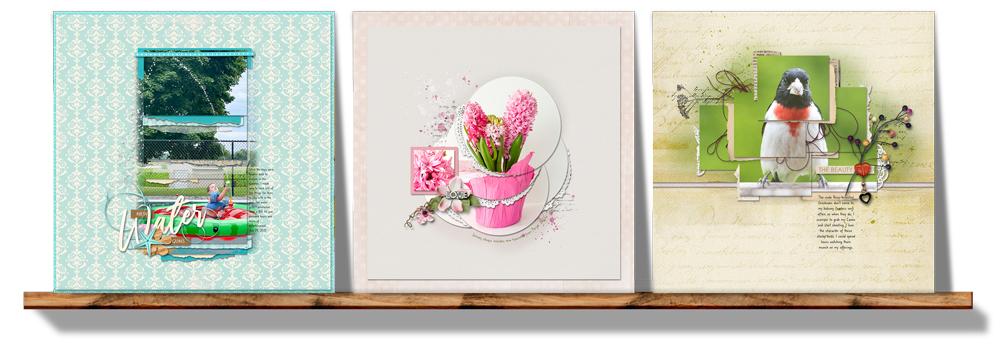
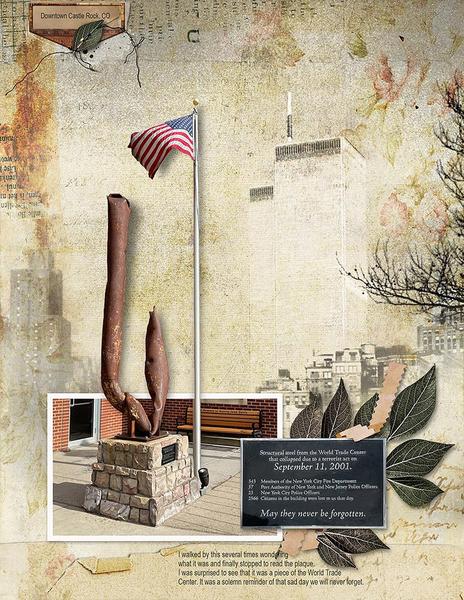
In Lesson 1 and its variations, you'll create four versions of a photo bridge that will gorgeously display a variety of photos and elements. Learn more about Volume 8.
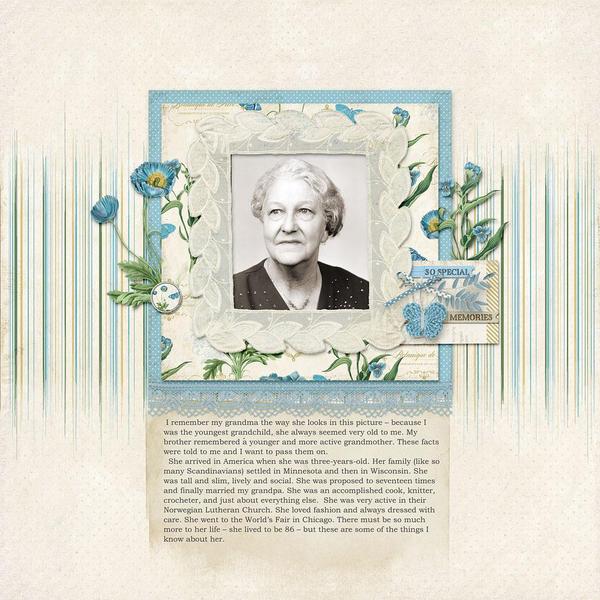
In Lesson 2 and its variations, you'll explore four different ways to alter elements from your stash to adapt to your scrapbook page and create a whole new look. Learn more about Volume 8.
In Lesson 3 and its variations, you'll learn and practice four creative ways to use custom shadowing techniques. It's super fun and multi-versatile. Learn more about Volume 8.
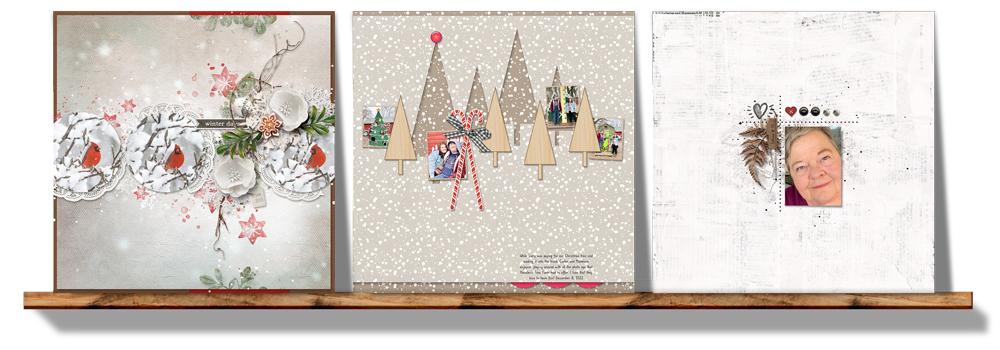
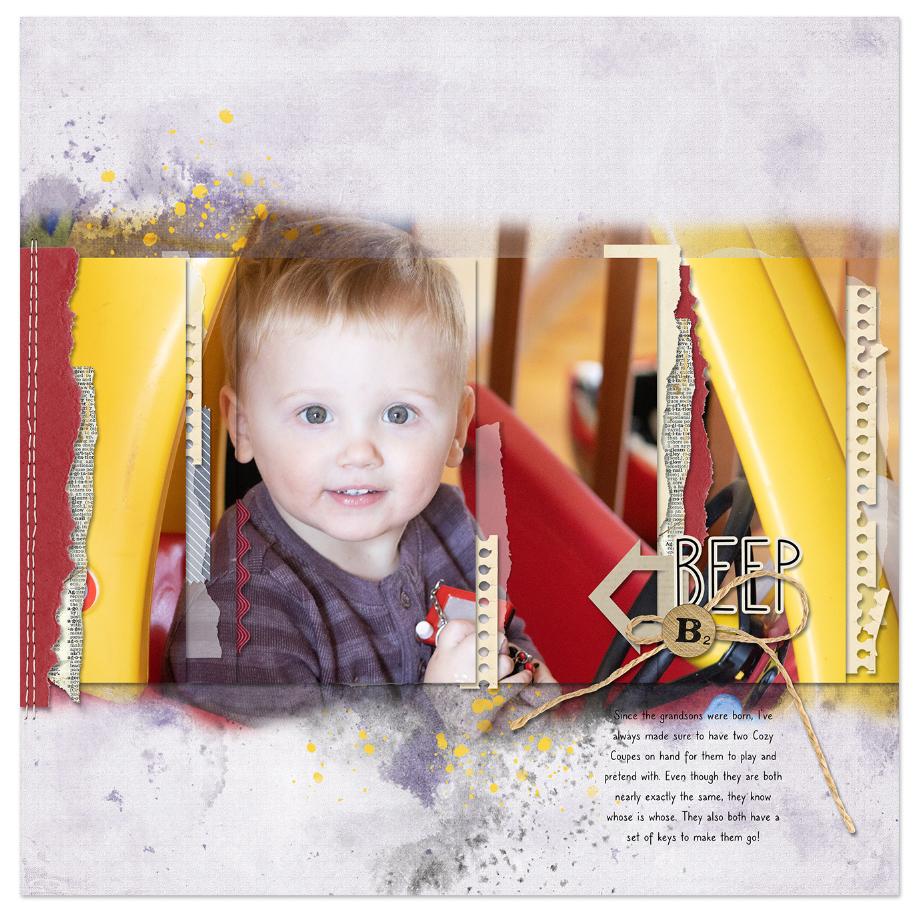
Throughout the four lessons of Volume 8, you'll create a page just like this using a photo of your own. Learn more about Volume 8.