🧡 Have a Little FREE Fun in Volume 7 of Premier 2023
Published: Tue, 03/07/23
March 7, 2023 | Digital Scrapper News | Volume 21 Issue 10
Hi ,
I had a bit of a giggle at myself last week.
Every time I introduce a new volume of Premier 2023, I want to say that it features my favorite kind of scrapbook page. But then I roll my eyes at myself. Turns out . .
. ALL the "kinds" are my favorites! Sheesh.
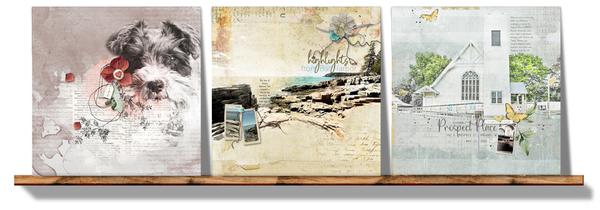
In Volume 7 of Premier 2023, we do a
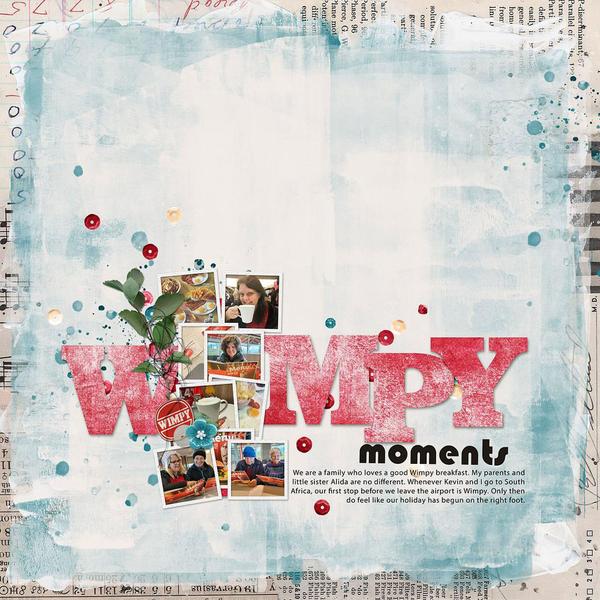
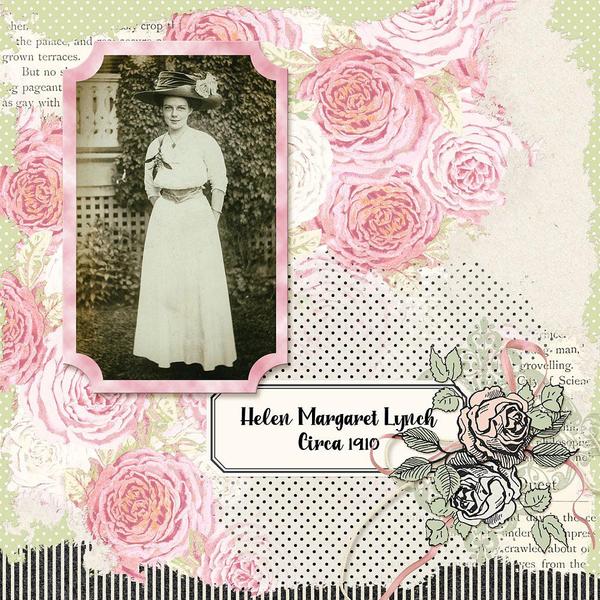
lot with blending BIG photos... and since I can't truthfully say it's "my favorite" kind of page, I'll instead say --- OH MY GOSH! I LOVE the pages I created for this month's Premier and I'm eagerly anticipating what goodness YOU create from the lessons! Click here to find out more about Volume 7.
Watch the FREE Bonus Lessons
Not only does Volume 7 include tons of blending goodness, but there are also two free bonus lessons for those of you who choose to not enroll.
FREE VIDEO -- 2 Ways to Quickly Match a Paper to a Photo In this FREE video, I'll walk you through some very basic, must-know matching techniques for photos and papers. Plus you'll get a free paper! Woot!
FREE VIDEO -- How To Use Google Fonts Just
a short while ago, Jenifer Juris introduced me to Google Fonts. Now I'm introducing it to YOU! You'll love this new-to-you resource.
Backup Reminder. Would it help to have a monthly reminder to back up your photos? If you follow our Community Forum, we'll
remind you at the beginning of every month.
Thanks Go Out to You! If you were one of the top contributors to Community during the month of February, we've recognized you and are giving you a standing ovation! See who made the
list.
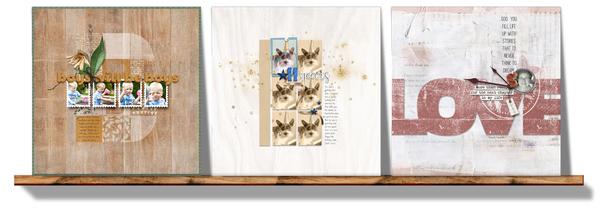
Here's a quick look at what you'll find in Volume 7:
In Lesson 1 and its variations, you'll beautifully blend any photo in your stash
to pretty plain paper. Learn more about Volume 7.
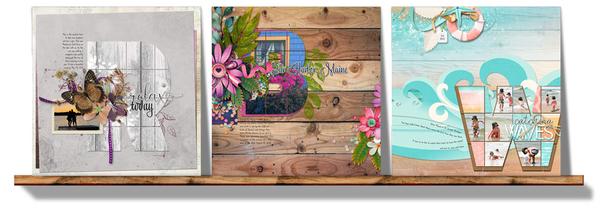
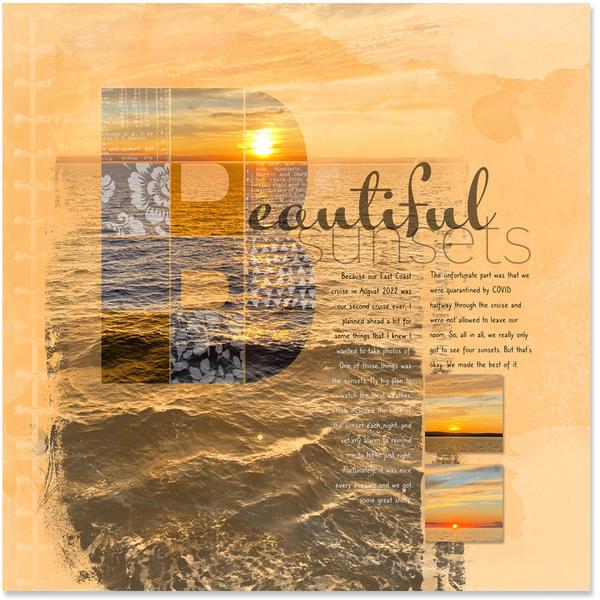
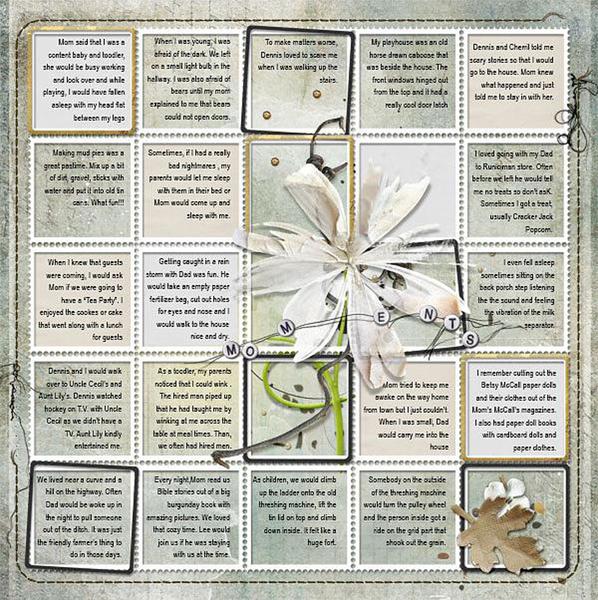
In Lesson 2 and its variations, you'll seek out different ways to design a
scrapbook page that features a letter grid, including a fancy Paste Into technique. Learn more about Volume 7.
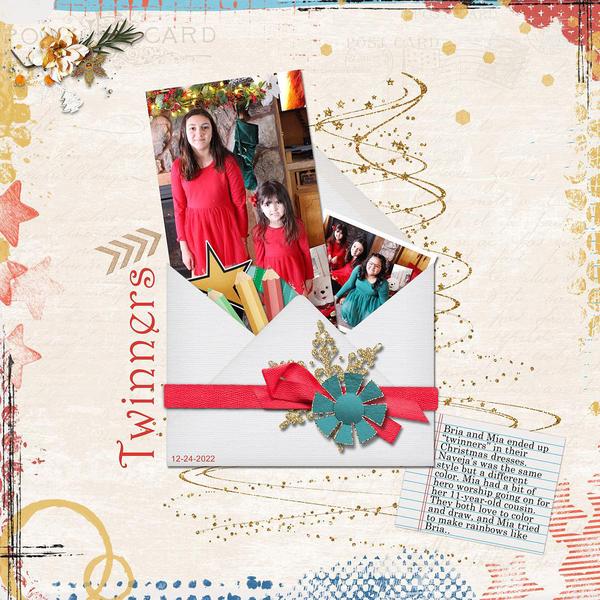
In Lesson 3 and its variations, you'll use blended overlays and Color Fill layers
to add beauty to grungy and graphic pages. Learn more about Volume 7.
And then in Lesson 4, I'll give you everything you need to finish the Lesson Page
for Volume 7. Your photo, letter grid, and blended overlays will look amazing on this page. Learn more about Volume 7.
Testimonial for Premier Classes
"I love Premier 2023 -- the ideas and the designs are gorgeous." Chasida Zilbiger