🧡 FREE Wave Filter Video Tutorial + SPRING BIG SALE!
Published: Tue, 03/21/23
March 21, 2023 | Digital Scrapper News | Volume 21 Issue 12
Hi ,
Sometimes it's good to stick to the same ole routine when scrapbooking. It's quick and easy. But if you never step outside of your comfort zone, you'll never know what
else is good and awesome... and you'll never learn something new.
New FREE Tutorial
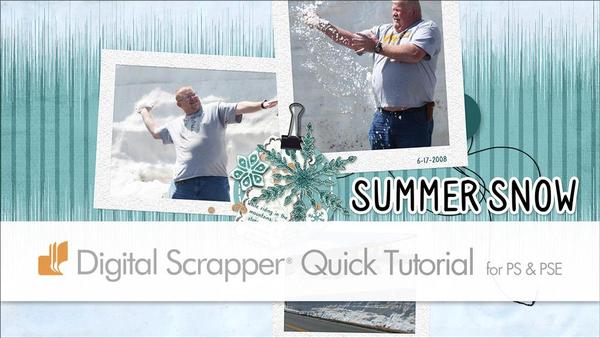
This week on the blog, Gina has a new tutorial showing you how to create an anchor for your
scrapbook page using the Wave Filter. I bet this idea will be new to you, and you'll learn something new. Check it out below.
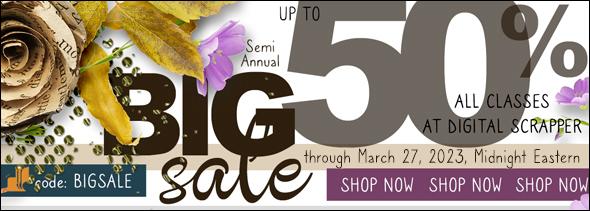
Semi-Annual BIG SALE on Classes
Twice a year, we place all our
classes on sale. So if you're looking for a new super-fun class, we've got you covered with savings of up to 50% off! You'll find more details below.
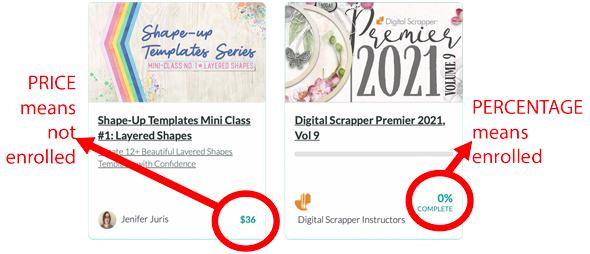
Not sure which classes you already own? Here's a graphic that should help:
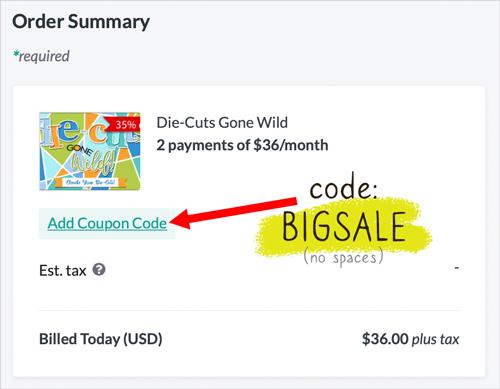
Not sure how to apply a coupon code? You will not get the sale price unless you enter the code BIGSALE on the Order Summary page! Here's how to do that:
🛑 ATTENTION: Here are a couple of things you need to know:
The Lifetime Coupon can NOT be applied during a BIG SALE.
Bundles are not on sale.
I SO appreciate you supporting Digital Scrapper! ❤️
New FREE Video
Tutorial by Gina Harper
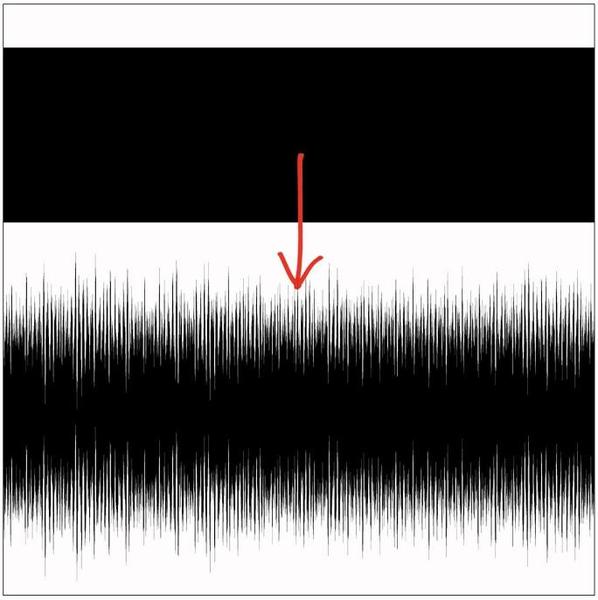
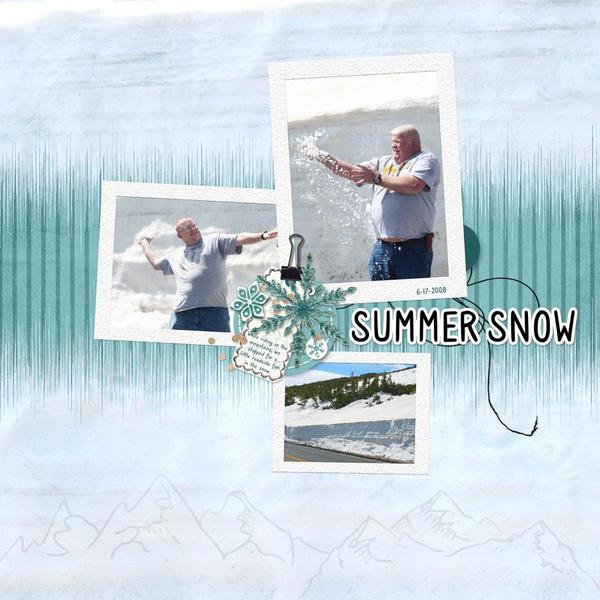
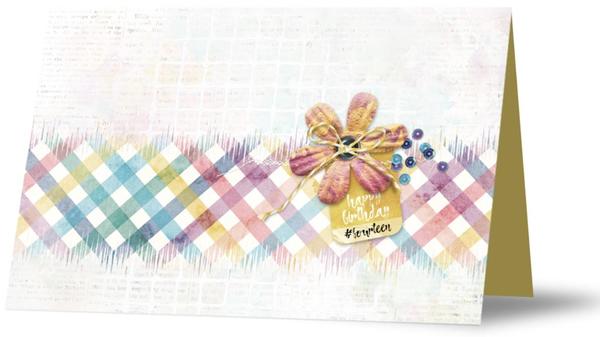
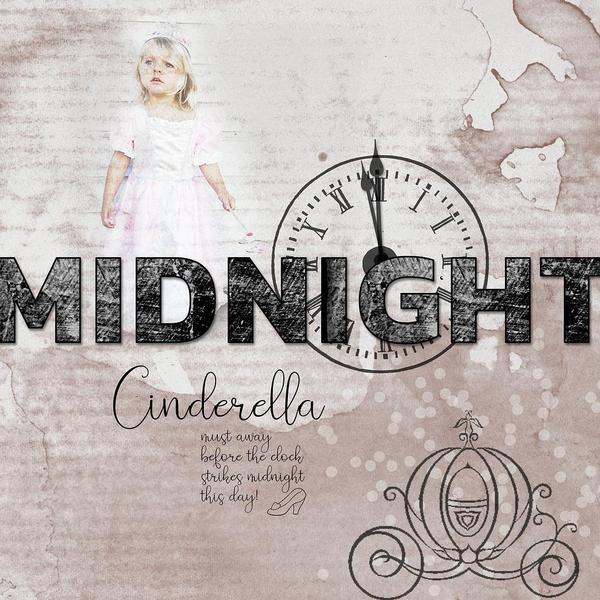
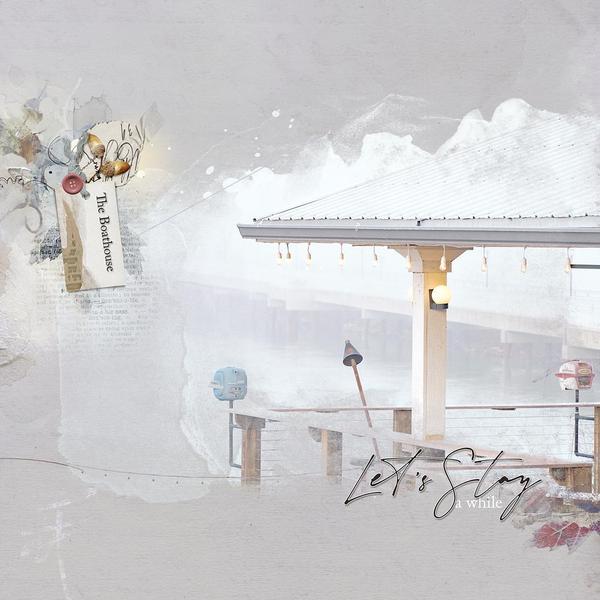
Turn an ordinary rectangle into a spectrogram anchor by using the Wave Filter to add texture and a fading edge.