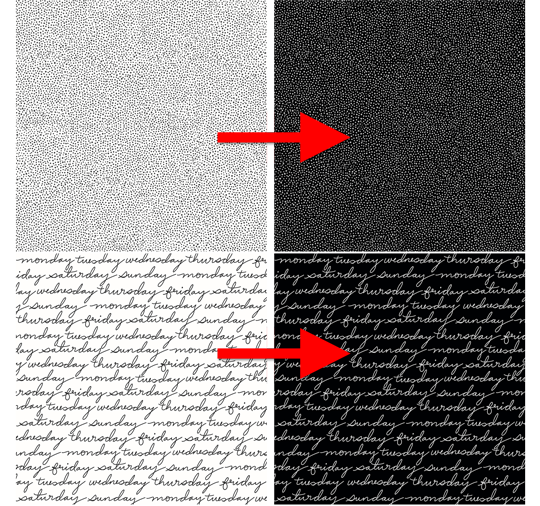
Black and white papers are all the rage.
They’re versatile. They’re classy. And, did I mention they’re versatile?
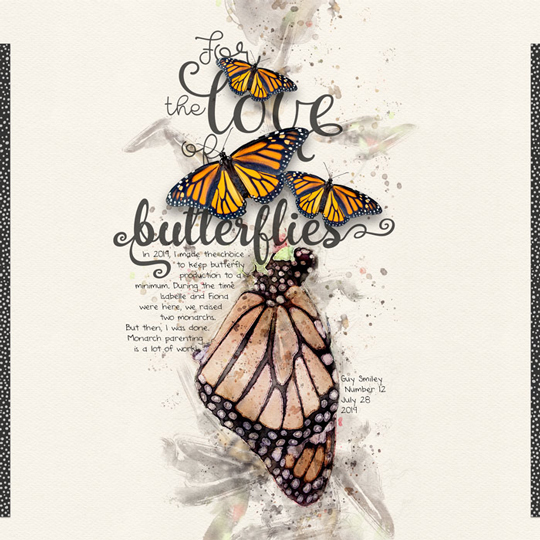
Last week I was looking for a dotted paper to go with a butterfly layout I created. I found white with black dots, but I wanted black with white dots.
Ding! Idea. No need to keep searching. The Invert Filter will save me!
- Open a paper.
- Then in the Menu Bar, chose Filter > Adjustments > Invert. (PS: Image > Adjustments > Invert.) TIP: The shortcut is Ctrl/Cmd I.
- Voila! Inverted colors. Ahhh. I love my Photoshop.